
Toonloud questions and answers
54 answers about how Toonloud works, what it costs, what guests do, and what happens to their selfies.
Last updated November 21, 2026
The basics
What is Toonloud?
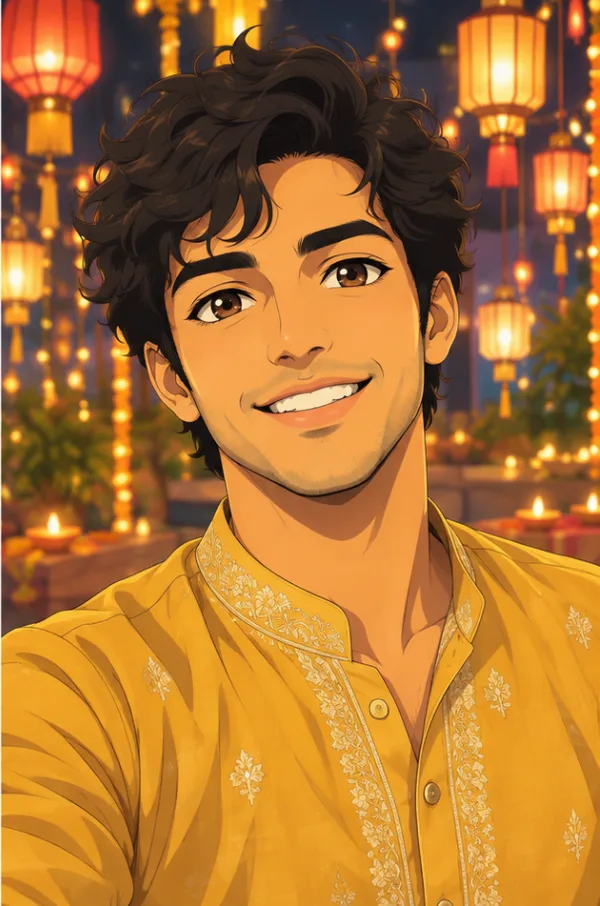
Toonloud is a live AI portrait guestbook for events. Guests scan a QR code, take a selfie and pick a style. About half a minute later an illustrated portrait of them appears on the big screen with their name and a message, and the host keeps every portrait.
How does Toonloud work?
The host switches portraits on for their event and prints one QR code. Each guest scans it, takes a selfie, picks one of the styles and adds a message. The portrait is drawn in about half a minute and shown on the guest's phone and on the event's screen. Read the step-by-step guide.
Are the portraits drawn by AI?
Yes. Each portrait is drawn by an AI image model from the guest's selfie. There is no artist in the room, which is why a portrait takes half a minute and several can be drawn at once.
Do guests need to download an app?
No. The QR code opens a page in the phone's browser. There is no app and no account for guests.
What kinds of events is it for?
Weddings, birthdays, Sweet 16s, sports banquets, school events, holiday parties, product launches and trade-show booths. Each has a quick pick of six styles that suit it.
Who makes Toonloud?
Toonloud is made by I Smart Web, based in Spring, Texas, the company behind Pixloud.
Setting up
What do I need on the night?
A screen with a web browser, such as a TV, a projector or a laptop, and Wi-Fi or mobile data. Print the QR code on table cards or show it on the screen.
How long does setup take?
A couple of minutes. You create the event, tick the styles and print the QR code.
How do I switch portraits on?
Open your event, click Toonloud portraits under Quick links, tick "Let guests get their portrait drawn", choose your styles and click Save.
Can I test it before the event?
Yes. The Toonloud page has a private test link. Each test uses one portrait, and test portraits are left out of your poster.
Which styles should I choose?
Use a quick pick for your kind of event, or tick your own. Six is a good number: enough choice without slowing guests down. See all 15 styles.
Can I limit how many portraits each guest gets?
Yes. You set the number of portraits per phone.
Can I use Toonloud without a big screen?
Yes. Every portrait appears on the guest's own phone. The big screen is what turns it into a show, but it is optional.
Does it work at a venue with poor Wi-Fi?
Guests can use their mobile data. The screen needs its own connection, so check the venue's Wi-Fi or bring a hotspot for the screen.
For guests
How does a guest get their portrait?
They scan the QR code, tap "Get your portrait drawn", take a selfie, add a name and message, pick a style and tap "Draw my portrait".
How long does a portrait take?
About half a minute. Several are drawn at the same time, so a queue does not slow anyone down.
Can couples and groups be drawn together?
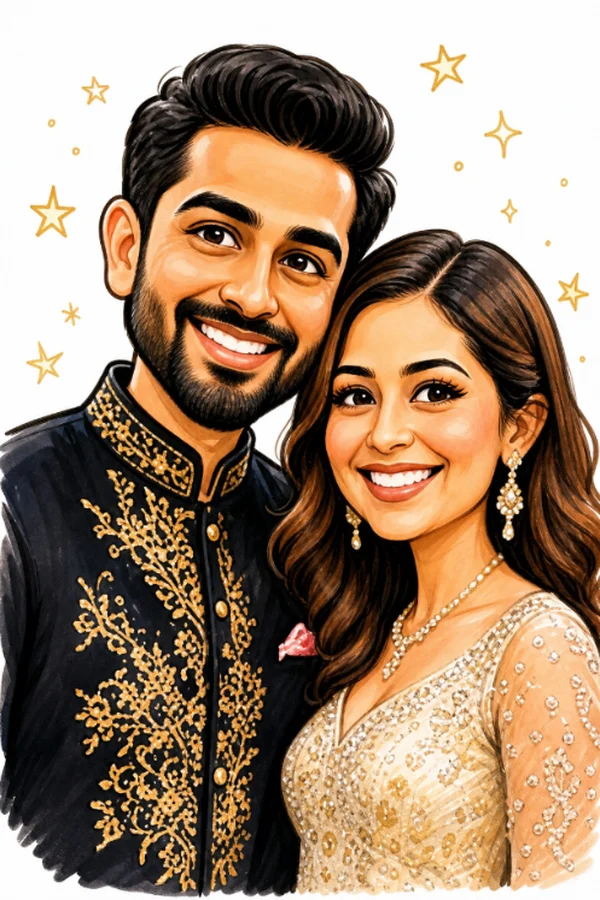
Yes. Two or three people in one selfie are drawn together in one picture.
Will the portrait look like me?
That is the point. Every style keeps the same face, skin tone, hair, beard, glasses and head covering.
What if the selfie is dark or blurry?
The page checks the selfie and asks for a better one before using a portrait.
Can a guest use a photo they already have?
Yes. They can tap "Choose a photo" and pick one from their phone.
Can a guest draw more than one?
Yes, up to the number of portraits per phone that the host has set.
Styles and custom looks
How many styles are there?
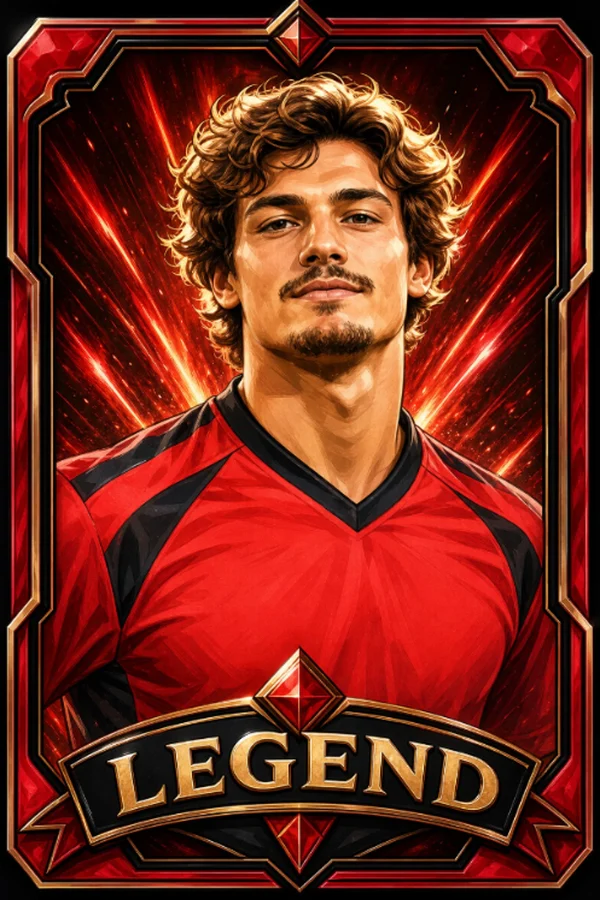
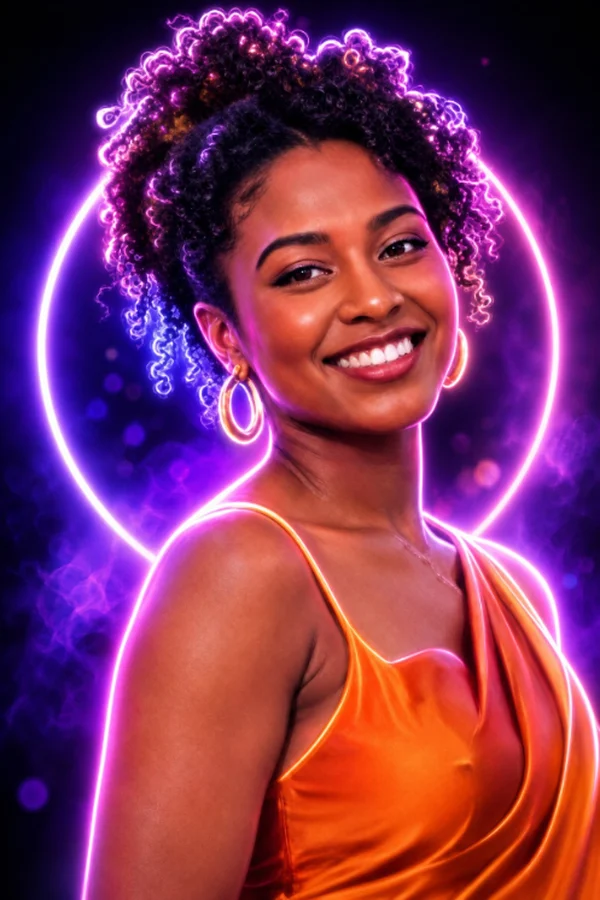
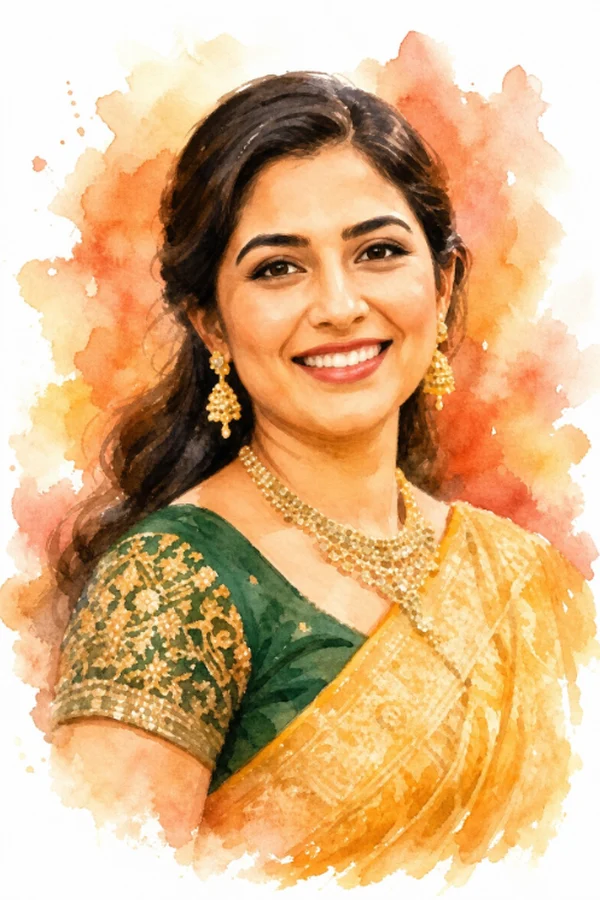
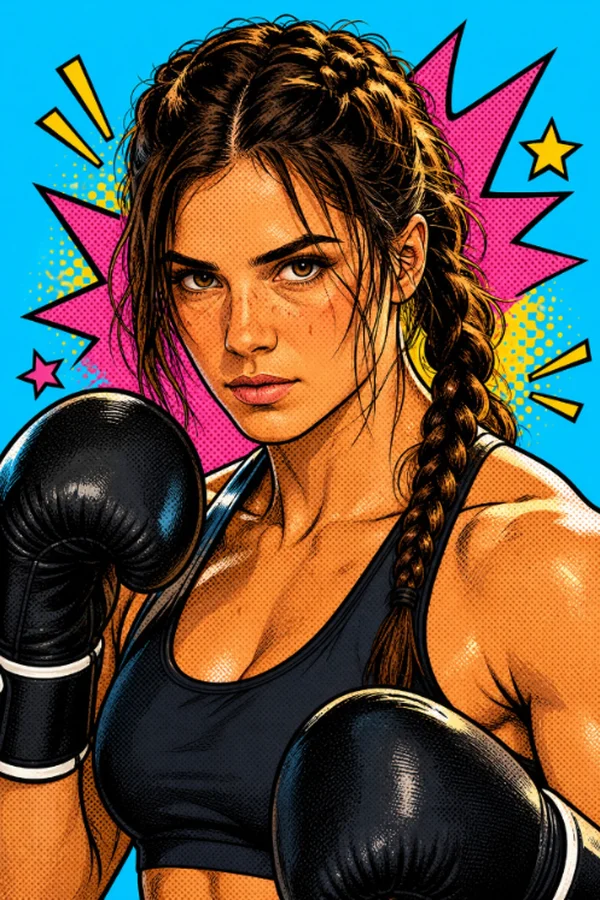
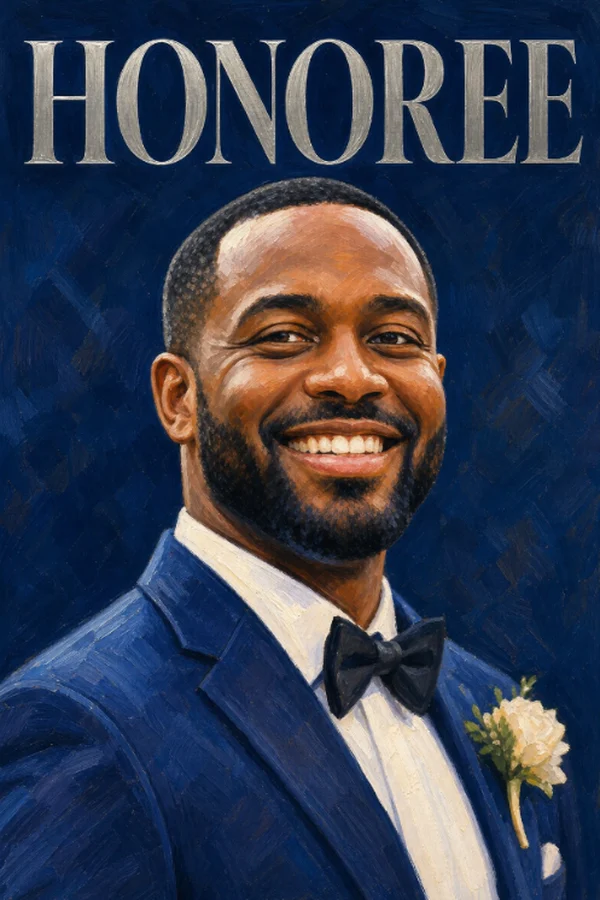
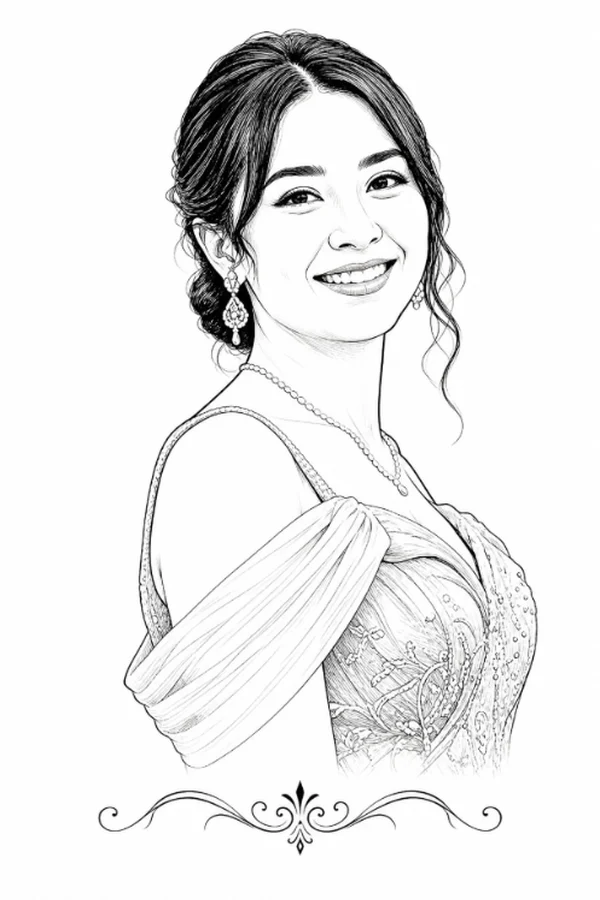
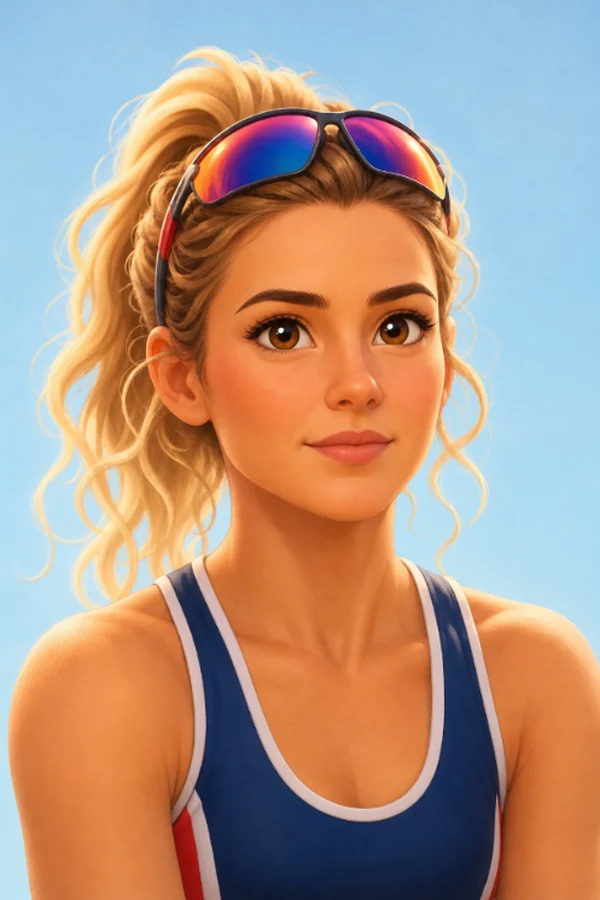
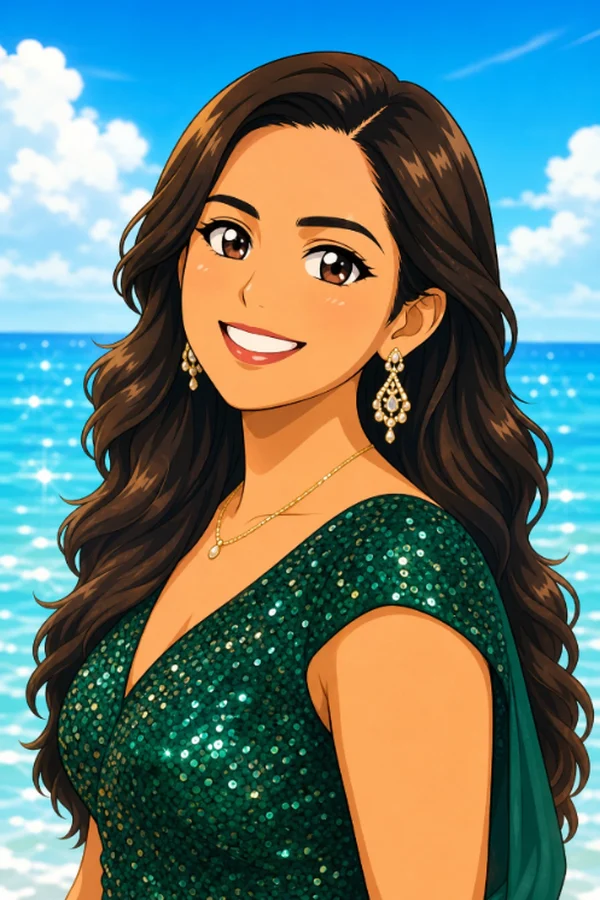
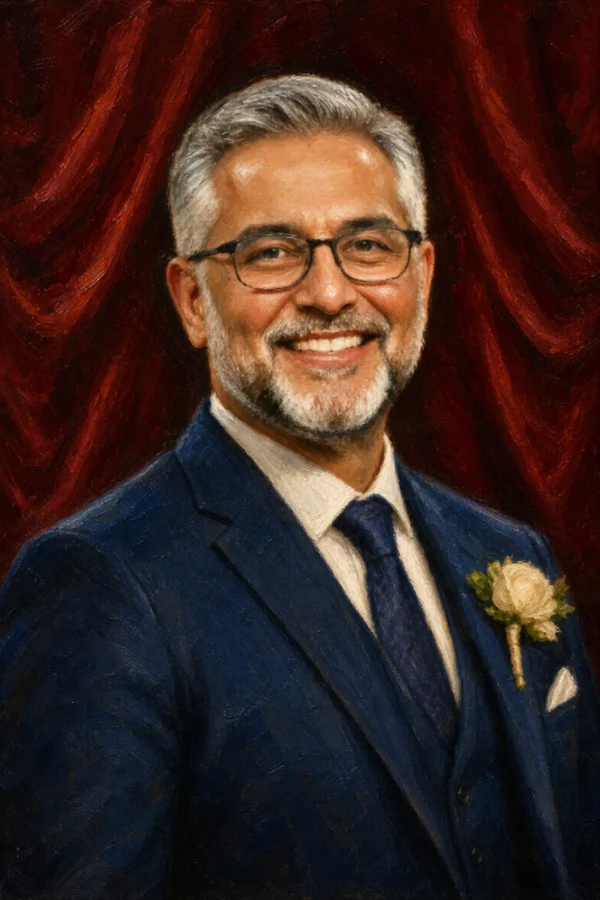
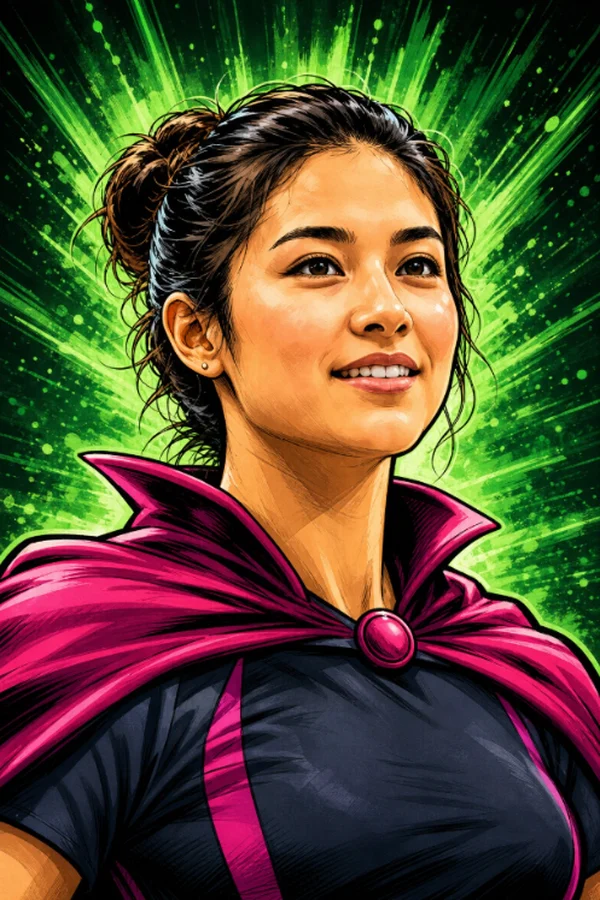
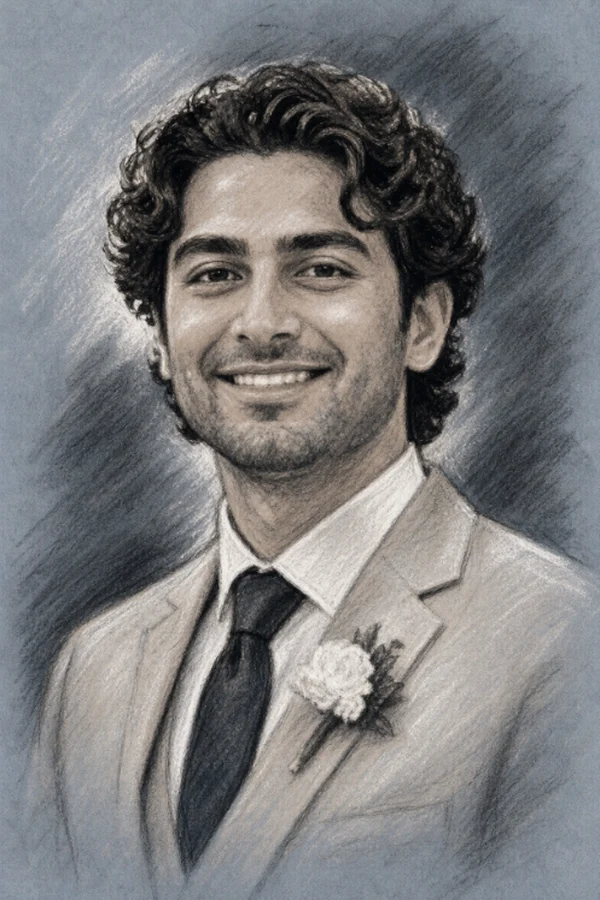
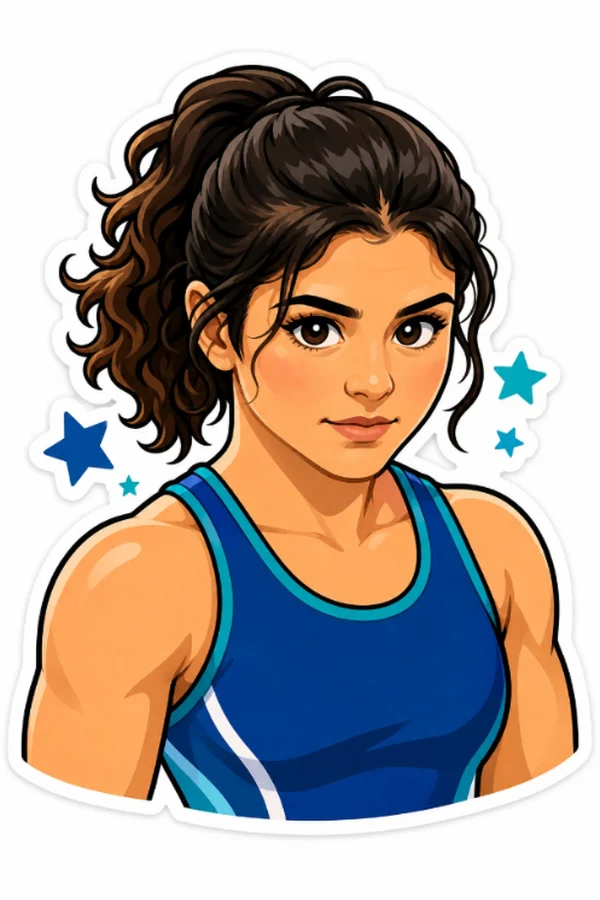
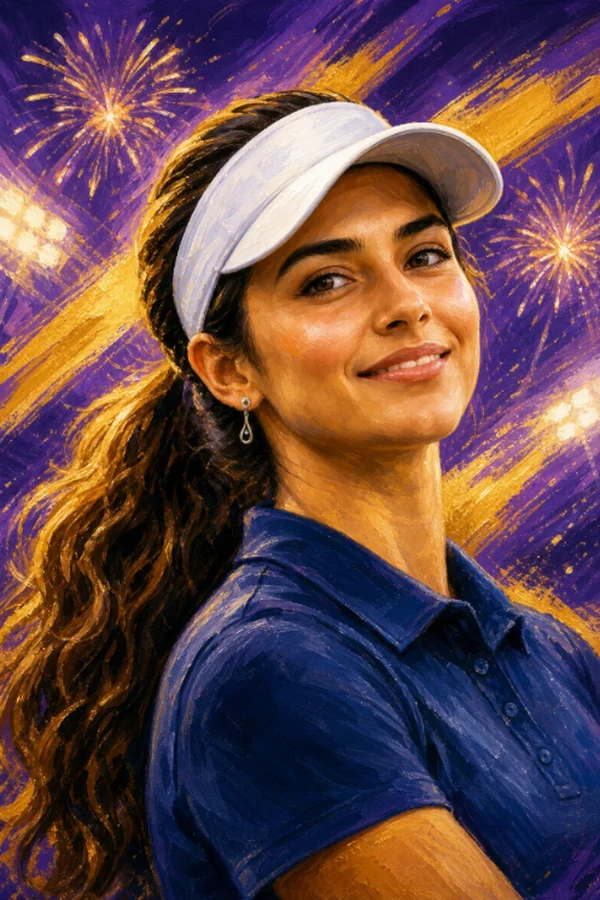
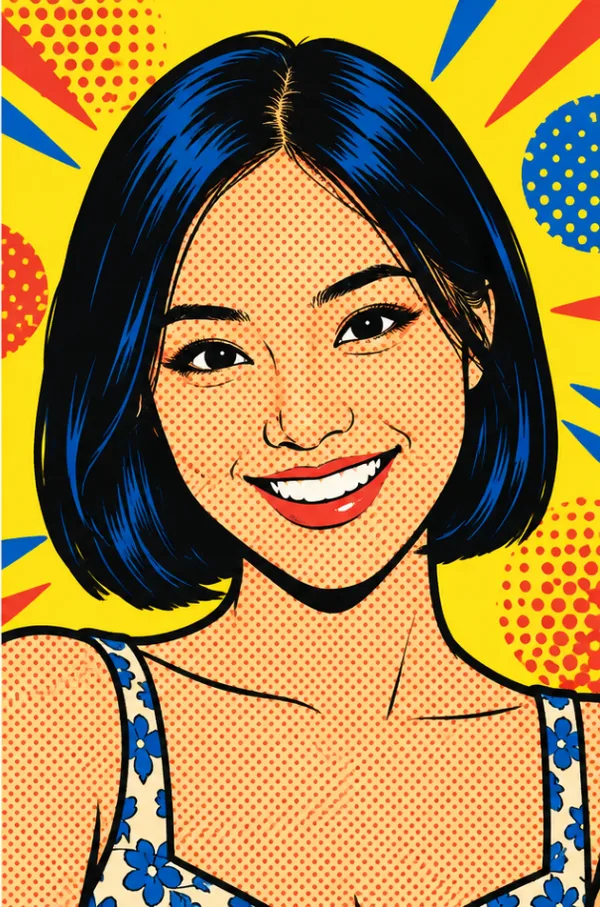
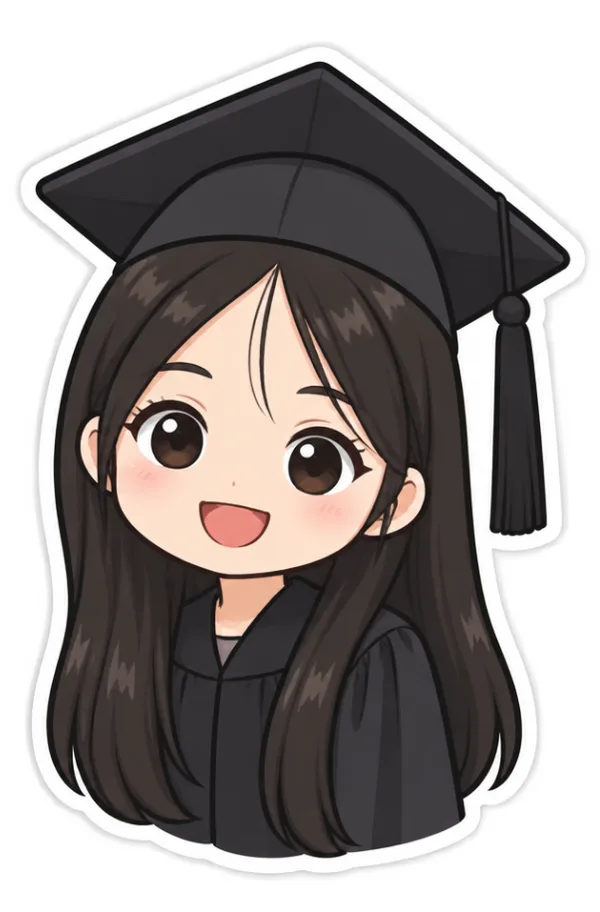
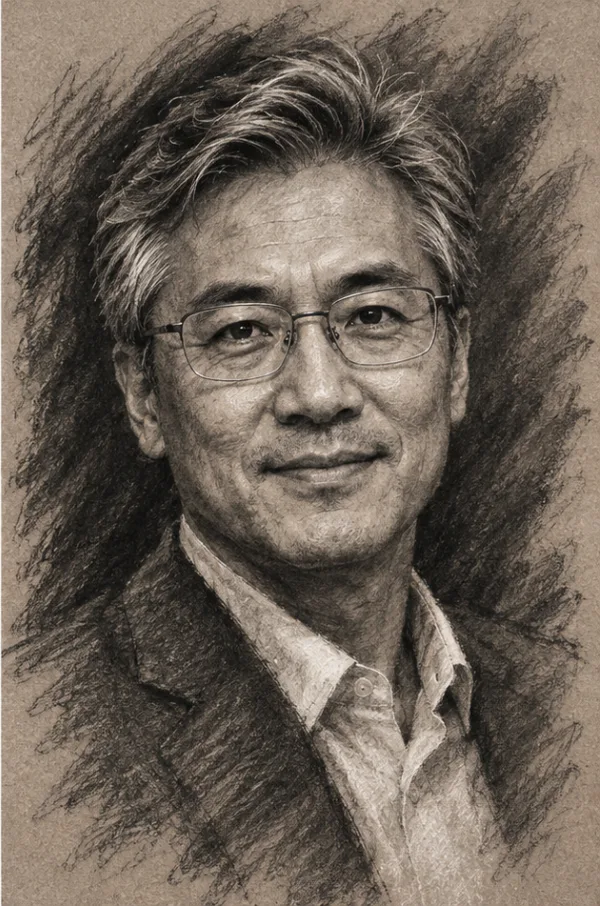
Fifteen: Caricature, Watercolor, Pop art, Magazine cover, Trading card, Line art, 3D cartoon, Anime, Royal portrait, Superhero, Storybook, Charcoal, Neon glow, Sticker and Game day.
Can portraits match my event's colors?
Yes. With a pack you can type a short theme in plain words, such as "gold and ivory, roses". It adds your colors and small props to every portrait.
Can my team or event name go on the portraits?
Yes. Type a name of up to 24 letters and it goes on every trading card banner and magazine cover, spelled exactly as you typed it.
What is high detail?
A setting for finer drawing, meant for large posters and prints. Each high-detail portrait uses 3 from your pack and takes a little longer.
Can I get a style made just for my event?
Yes. For $79 on top of a pack of 100 or more, we make a style to match your theme and colors and send you 6 sample portraits to approve. Ask at least 7 days before the event. How custom styles work.
Can you copy a famous cartoon or a pro team?
No. Styles are always original, with no studio, artist, character, team or brand names.
The big screen
What screens does it work on?
Any screen with a web browser: a TV, a projector or a laptop. Open one link. On a Fire TV you can use the free Pixloud TV app.
What shows on the screen?
Each new portrait plays as it is drawn, with the guest's name and message, then joins the wall with the others.
Can I approve portraits before they show?
Yes. Portraits can go straight up, or wait in your approval queue like any other post.
Can I remove a portrait from the wall?
Yes. Portraits appear in your moderation page with the event's other posts, and you can take any of them down.
Can the wall show guest photos too?
Yes, with a Pixloud plan. Photos, videos and portraits share one wall and one QR code.
After the event
What does the host keep?
Every approved portrait, plus a printable poster and a mosaic made from them.
What is the poster?
Every portrait on one printable poster, in four designs: Classic, Party, Team and Clean. You can change the words, choose a size up to 24 × 36 in, and save it as a PDF for any print shop.
What is the mosaic?
One photo of the couple or the guest of honor, built from every guest's portrait as tiles. The main photo stays on your computer and is not uploaded.
What does each guest keep?
Their own keepsake page, where they can save the portrait, watch it being drawn again, and make story-size or square versions with the event name and date.
Can guests save a sticker with no background?
Yes. Sticker-style portraits can be saved with a see-through background and a clean white edge.
Pricing and packs
How much does Toonloud cost?
You pay once per event for a pack of portraits: 25 for $15, 100 for $49, 250 for $89, 500 for $149. There are packs of 1,000 and 2,000 for big events. See full pricing.
Is there a free trial?
Yes. Every new account gets 25 free portraits, once, in one style.
How do I remove the sample mark?
Buy any pack for the event. New portraits are clean, and the mark comes off your sample portraits too.
Do you charge per guest?
No. You buy a pack of portraits for the event and guests share it.
What happens if we run out?
Guests see "All portraits are drawn". Add another pack and it adds to what you have; guests can carry on straight away.
Do portraits use up my Pixloud photo limit?
No. Portraits never count toward a Pixloud plan's photo limit.
Is there a plan for event businesses?
If you run events for a living, get in touch about a monthly plan with a shared pool of portraits and your own branding.
Privacy and safety
What happens to the selfie?
It is shrunk, stripped of its details, used only to draw that portrait, and deleted as soon as the portrait is drawn. The host keeps the drawing, never the selfie.
Does Toonloud use face recognition?
No. Nothing in Toonloud recognizes, matches or identifies anyone. It draws the photo it is given, and that is all.
Is anything a guest types used to make the picture?
No. Names and messages are shown with the portrait but are not used to draw it. They are checked for blocked words.
How are children protected?
When a host switches portraits on, they confirm that a parent or guardian has agreed for anyone under 18. Hosts can also approve every portrait before it is shown.
Who can see the portraits?
People at your event who can see the screen, the guest who made it, and you. Read our privacy and safety page.
If something goes wrong
A guest took a selfie but no portrait appeared
Give it a minute; portraits take about half a minute and a busy moment adds a little. If you approve portraits first, it is waiting in your approval queue. If the selfie was too dark or blurry, the page will have asked for a better one.
Guests see "All portraits are drawn"
Every portrait in your pack has been used. Add another pack to the event from your dashboard and guests can carry on straight away.
A guest cannot open the page
Check that their phone has Wi-Fi or mobile data, and that they scanned the QR code with the phone's camera. If the venue Wi-Fi blocks websites, ask them to switch to mobile data.
The big screen is not updating
The screen needs an internet connection too. Refresh the wall page. If you approve portraits first, new ones only appear after you approve them.
No question matches that. Ask us directly.