

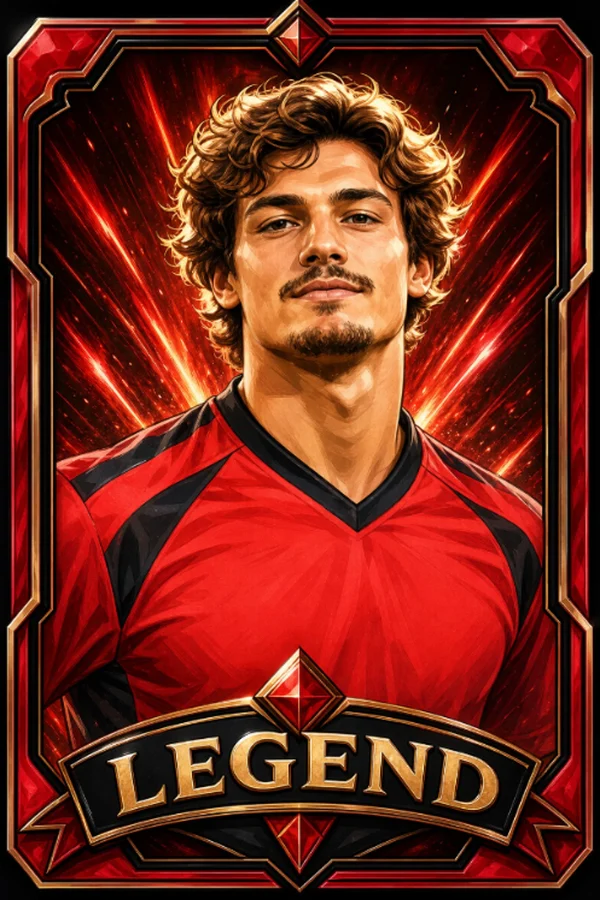




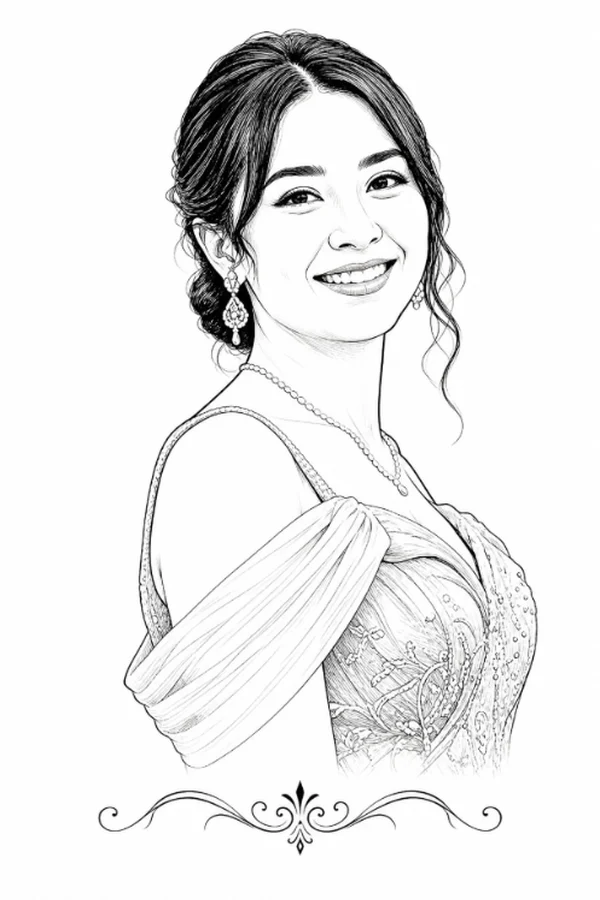
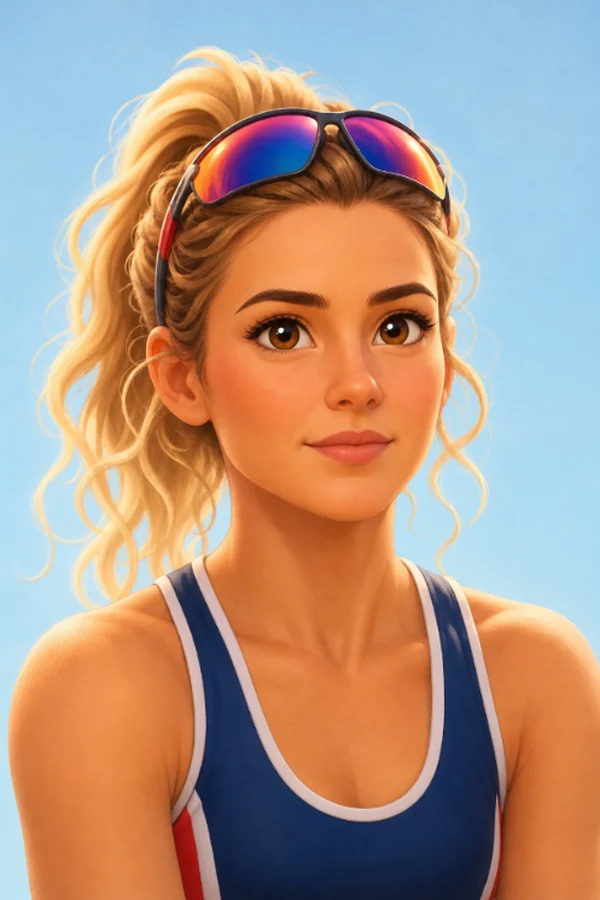




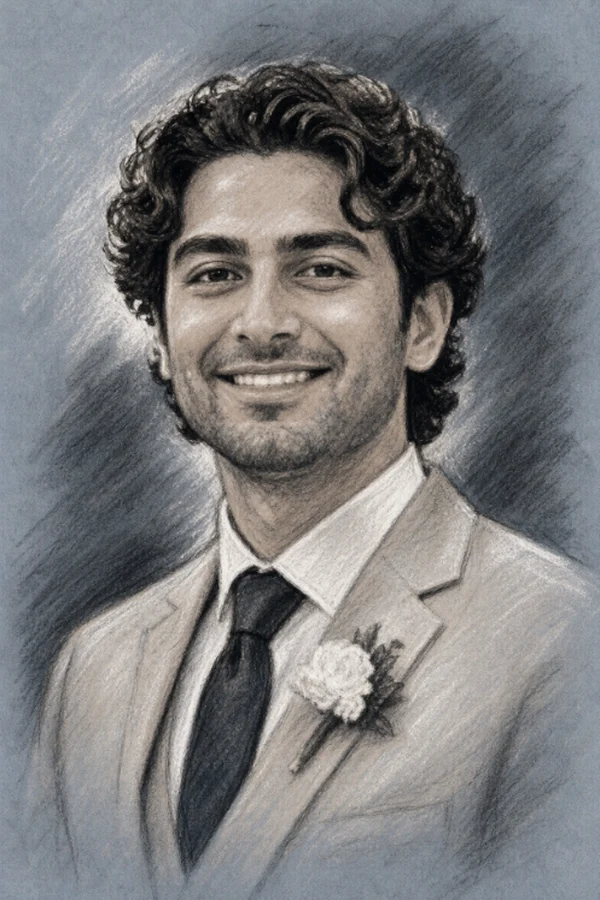
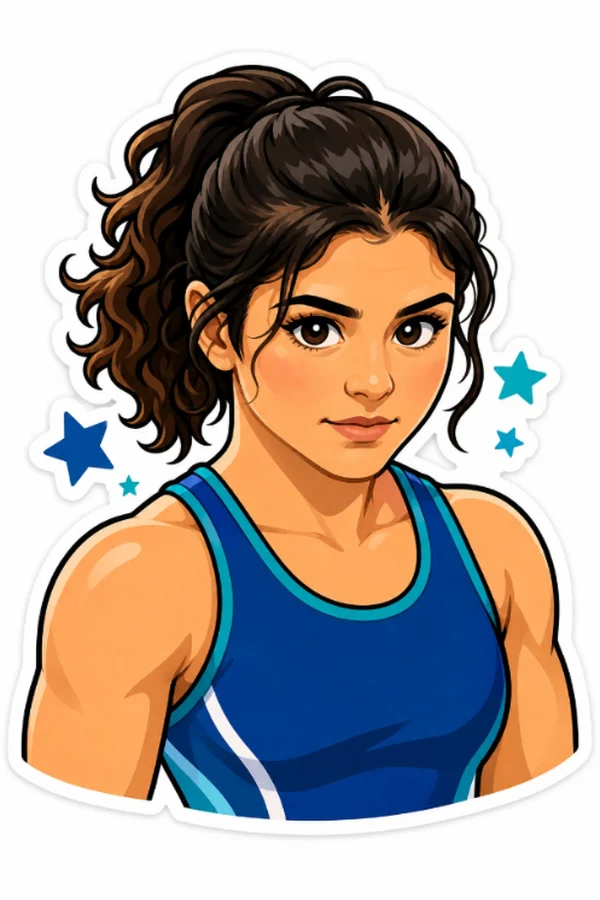


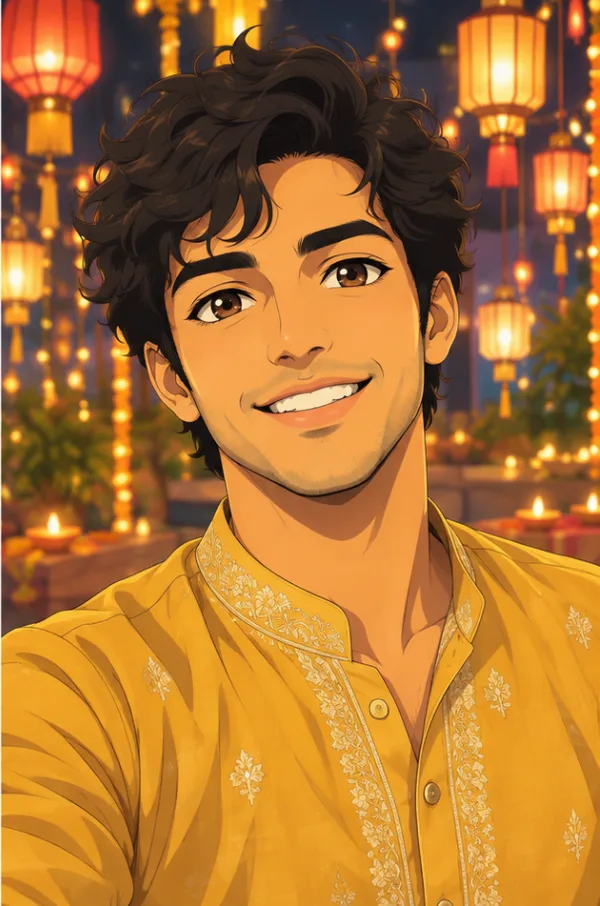

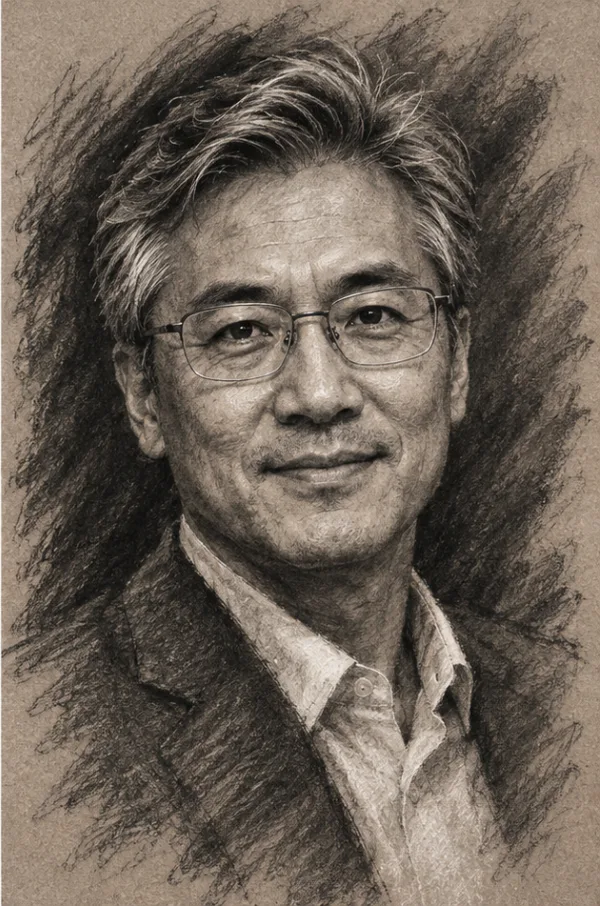
Fun for guests. Safe for everyone.
What happens to a selfie, what Toonloud does not do, and the controls a host has. Written plainly, so you can show it to a venue, a school or a parent.
Last updated November 21, 2026
Selfies are deleted
Each selfie is used only to draw that portrait, then deleted. You keep the portrait, never the selfie.
No face recognition
Nothing in Toonloud recognizes, matches or identifies anyone. It draws the photo it is given, and that is all.
You decide what shows
Portraits can wait for your approval before they reach the screen, and names and messages are checked for blocked words.
What happens to a selfie, step by step
- The guest takes a selfie on your event's page.
- The picture is shrunk and stripped of its hidden details, such as where and when it was taken.
- It is sent to the AI image service that draws the portrait, for that one drawing.
- As soon as the portrait is drawn, or if drawing fails, the selfie is deleted from our server.
- The finished portrait is saved to your event like any other post.
What Toonloud does not do
- No face recognition. It does not recognize, match or identify anyone, and it does not search for a person across photos.
- No use of what guests type. Names and messages are shown with the portrait. They are not used to draw it.
- No changes to who someone is. Styles keep the guest's face, skin tone, hair, beard, glasses and head covering.
- No famous characters or brands. All styles are original.
Children and young people
When a host switches portraits on, they confirm that they have the right to invite their guests and that a parent or guardian has agreed for anyone under 18. For school and family events we suggest turning on approval, so every portrait is seen by an adult before it reaches the screen.
The controls a host has
- Choose which styles guests can use.
- Limit the number of portraits per phone.
- Hold portraits for approval before they are shown.
- Remove any portrait from the wall.
- Names and messages are checked for blocked words automatically.
Legal pages
Toonloud runs on Pixloud, so the Privacy Policy and Terms are Pixloud's. For anything not covered here, contact us.
Short answers
Does Toonloud keep guests' selfies?
No. Each selfie is used only to draw that portrait and is deleted as soon as the portrait is drawn, or if drawing fails.
Does Toonloud recognize faces?
No. There is no face recognition, matching or identification anywhere in Toonloud.
Can a host stop a portrait being shown?
Yes. Hosts can hold every portrait for approval and can remove any portrait from the wall.
Give your guests something to talk about.
Set it up in a couple of minutes. Try 25 portraits free.
Start free